
ChartMe
Family chore chart for iPhone and iPad
Little jobs, big wins
Chores, points, and rewards for the whole family
Kids check off their own chores, earn points, and spend them on rewards you choose. Parents approve, adjust, and keep track from their own phone.
Download on the App Store
For kids
A chart they actually want to check
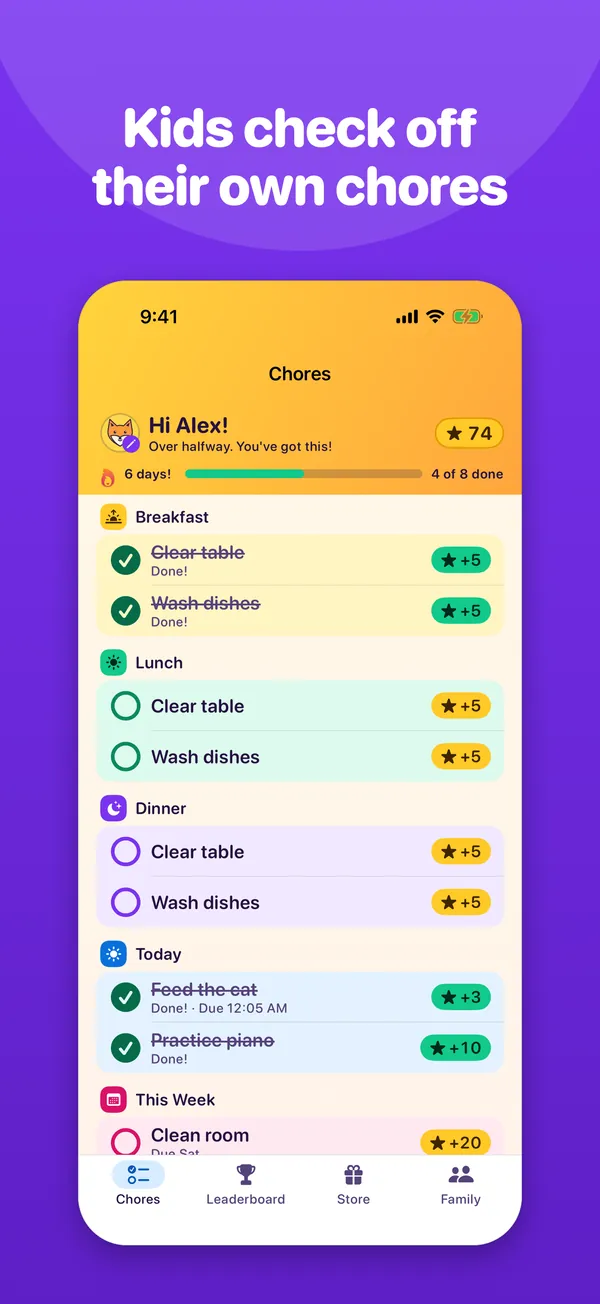
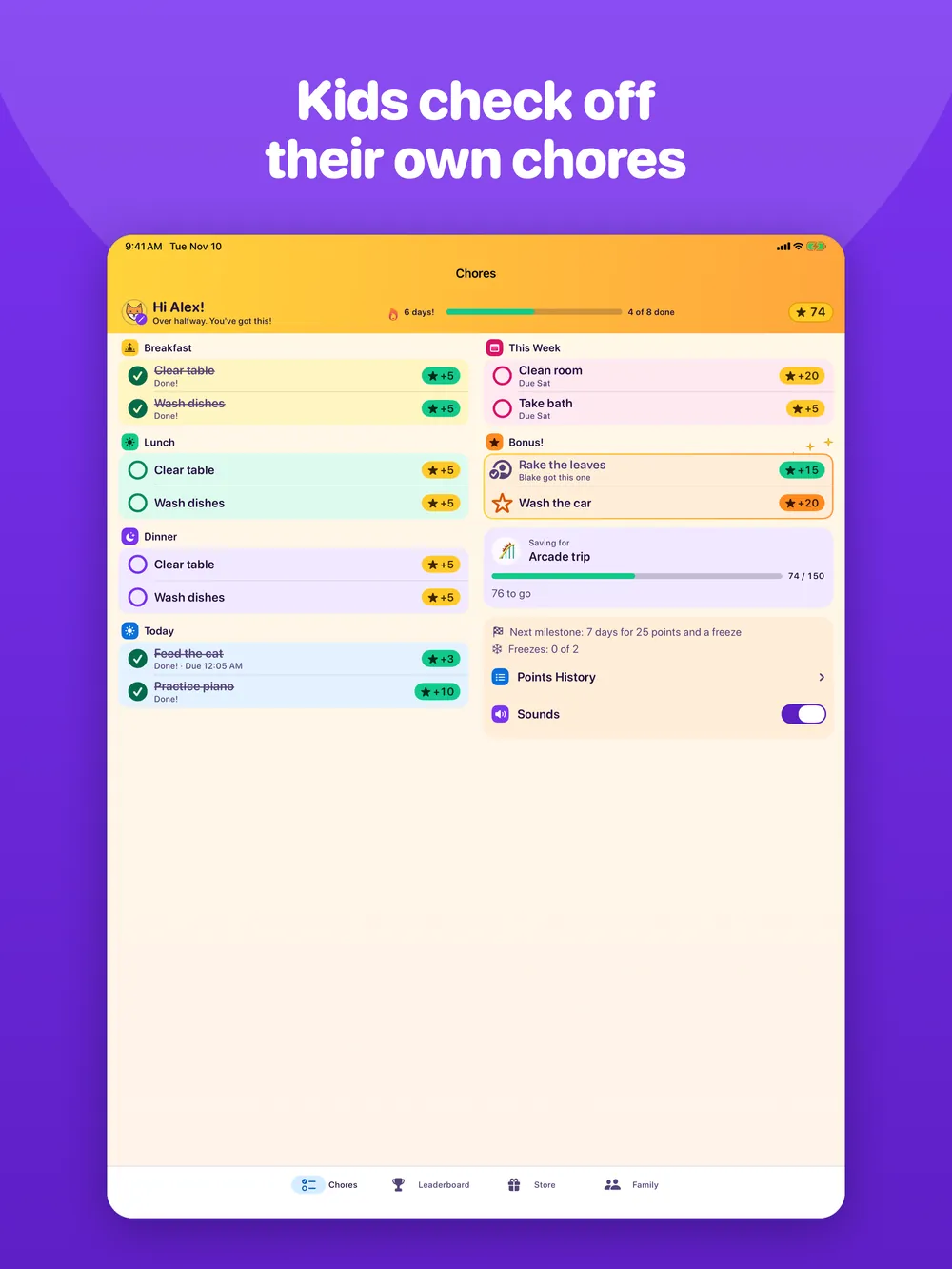
Kids check off chores on their own iPhone or iPad, earn points, and spend them on rewards you set up.
- A bright chart of today’s chores, grouped by breakfast, lunch, dinner, the day, and the week.
- Tap a chore to check it off and see the points land.
- Streaks for doing every chore, day after day, with bonus points at milestones and streak freezes to cover a missed day.
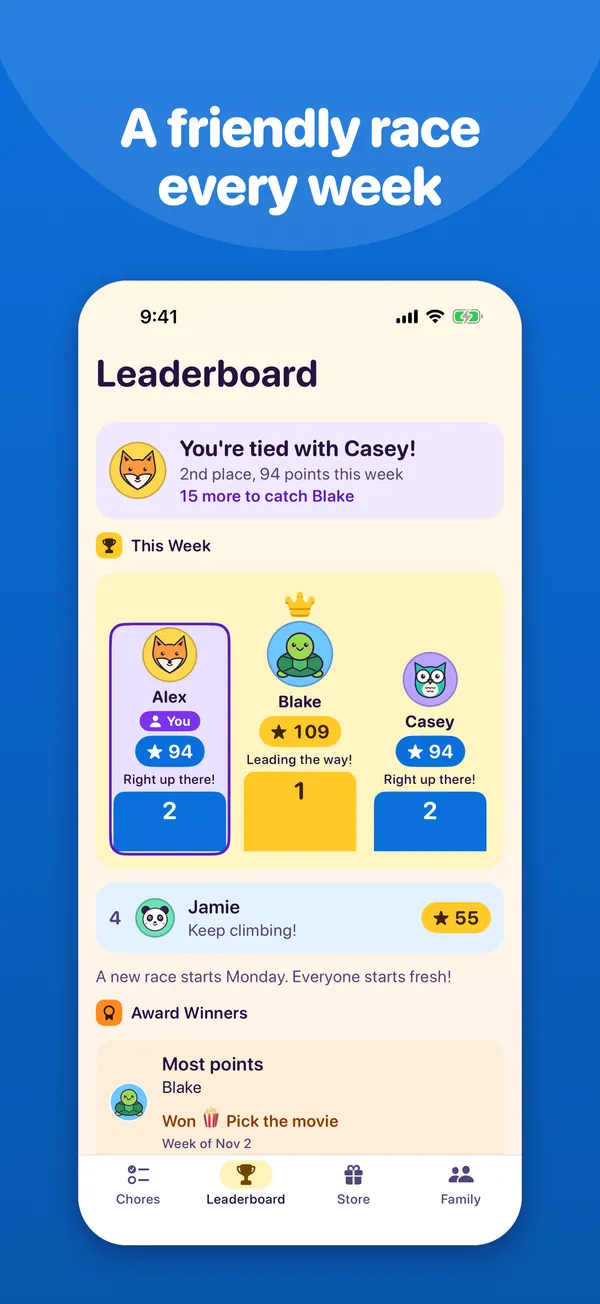
- A weekly leaderboard that says where you stand and who to catch next. Everyone starts fresh on Monday.
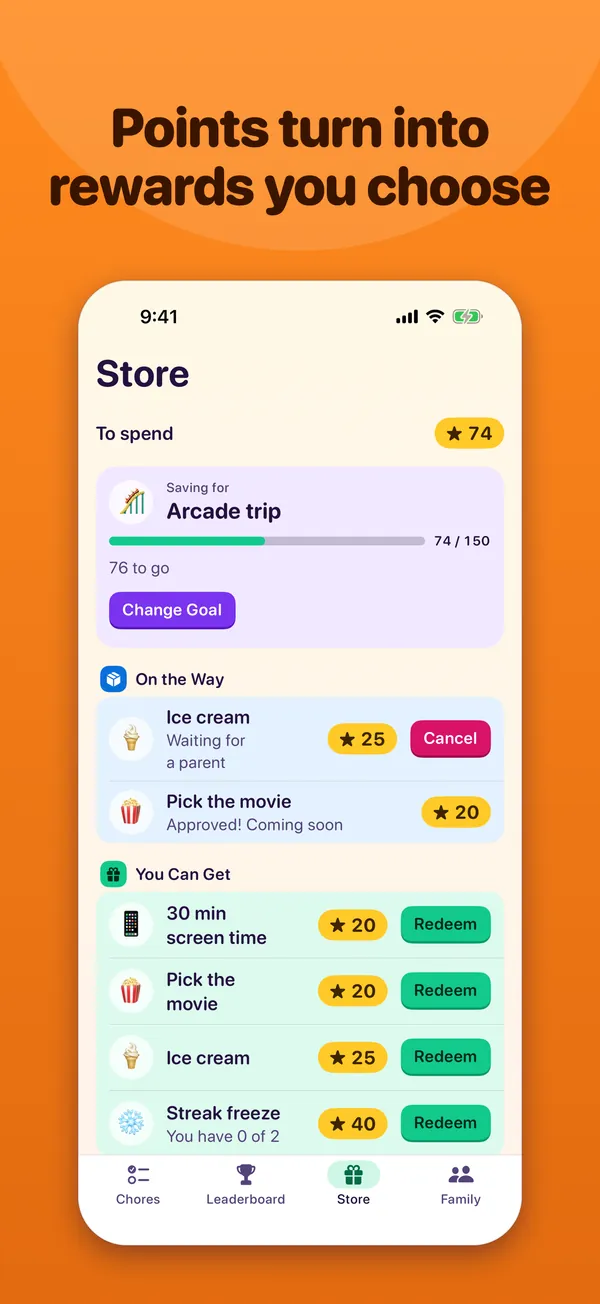
- A Store for spending points: pick a reward, save up for a goal, and see what’s on the way.
- Celebrations for finishing the day, reaching a streak milestone, or winning an award.
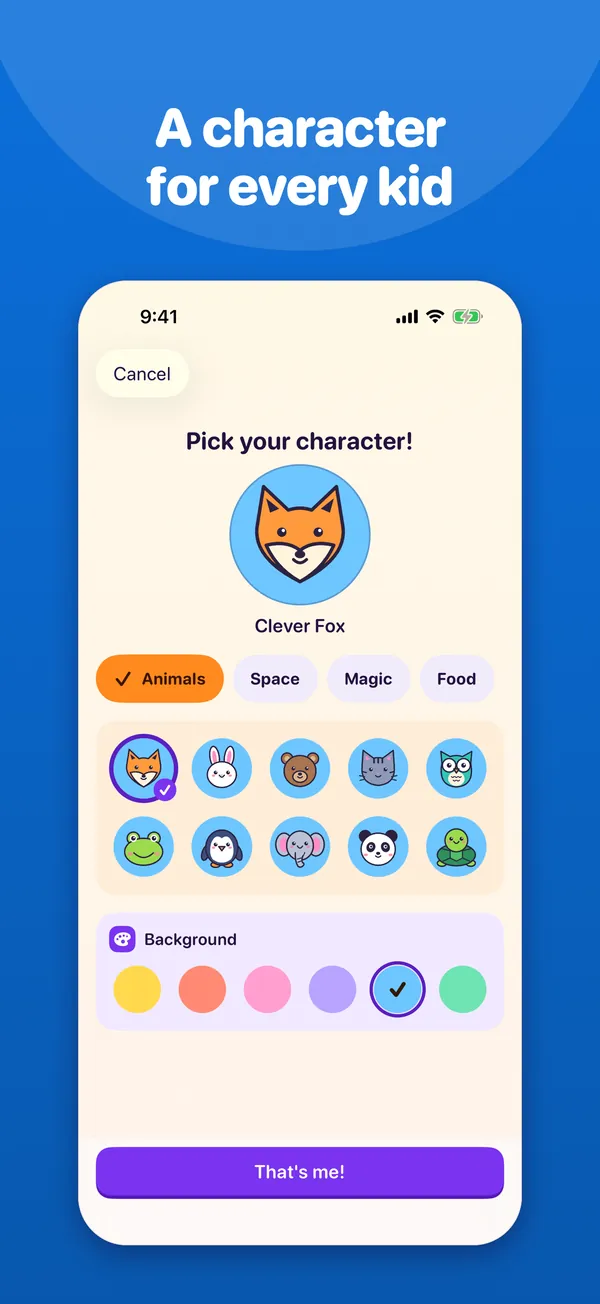
- A character of your own to pick, from foxes and robots to dragons and tacos.
For parents
You set it up. They do the jobs.
Parents manage everything from their own device, and the household stays in sync through iCloud.
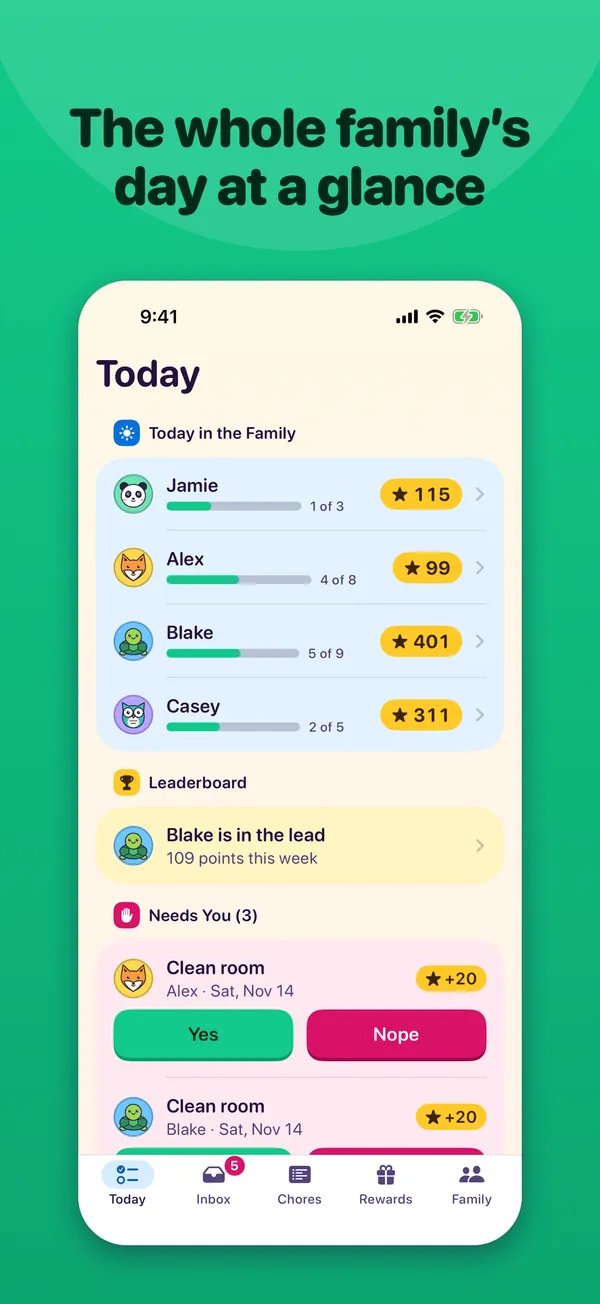
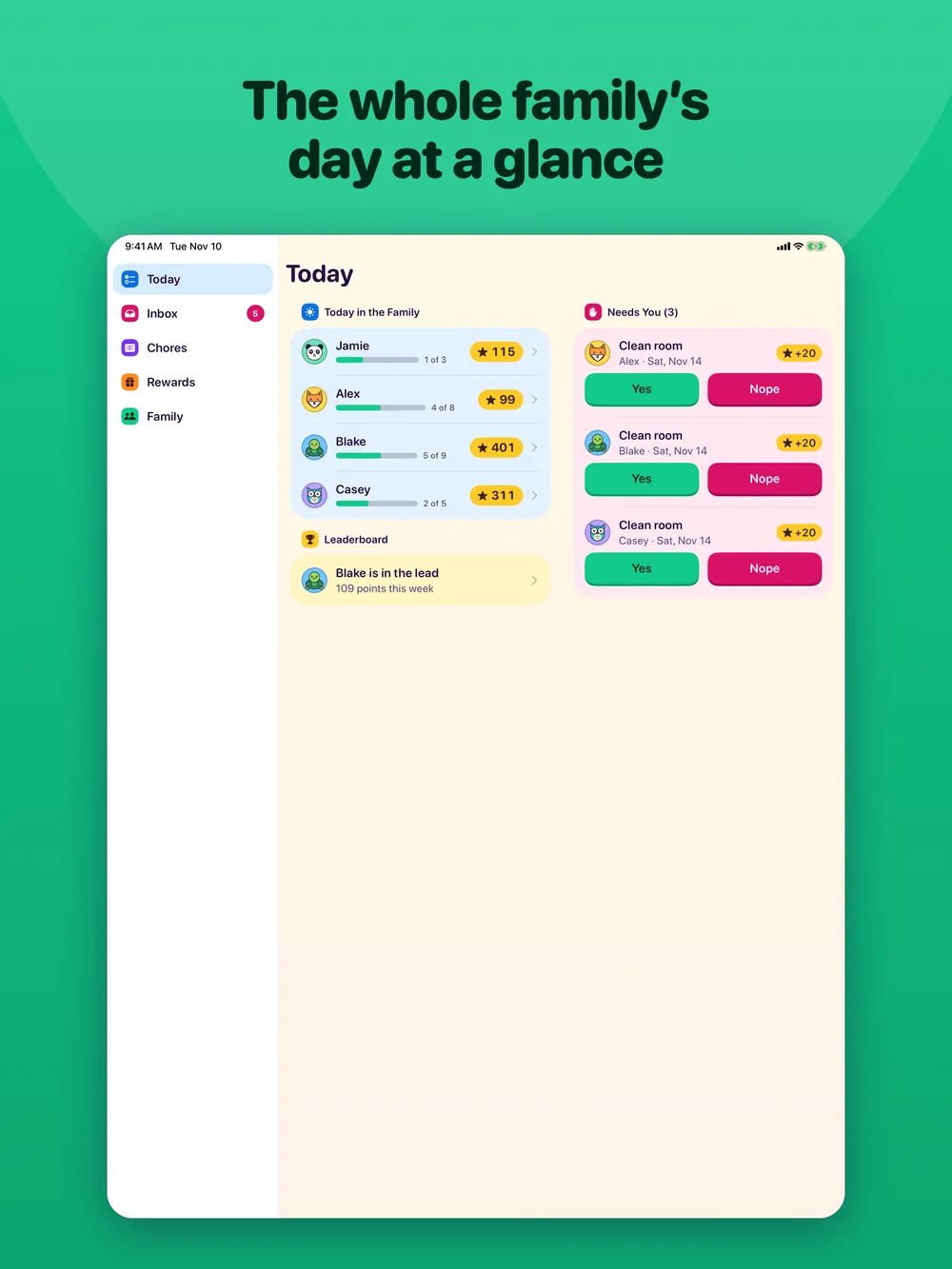
- Today shows how each kid’s day is going, what’s been missed, and what needs you.
- Add chores that happen daily, weekly, or at each meal, with points, deadlines, and bonus chores anyone can take.
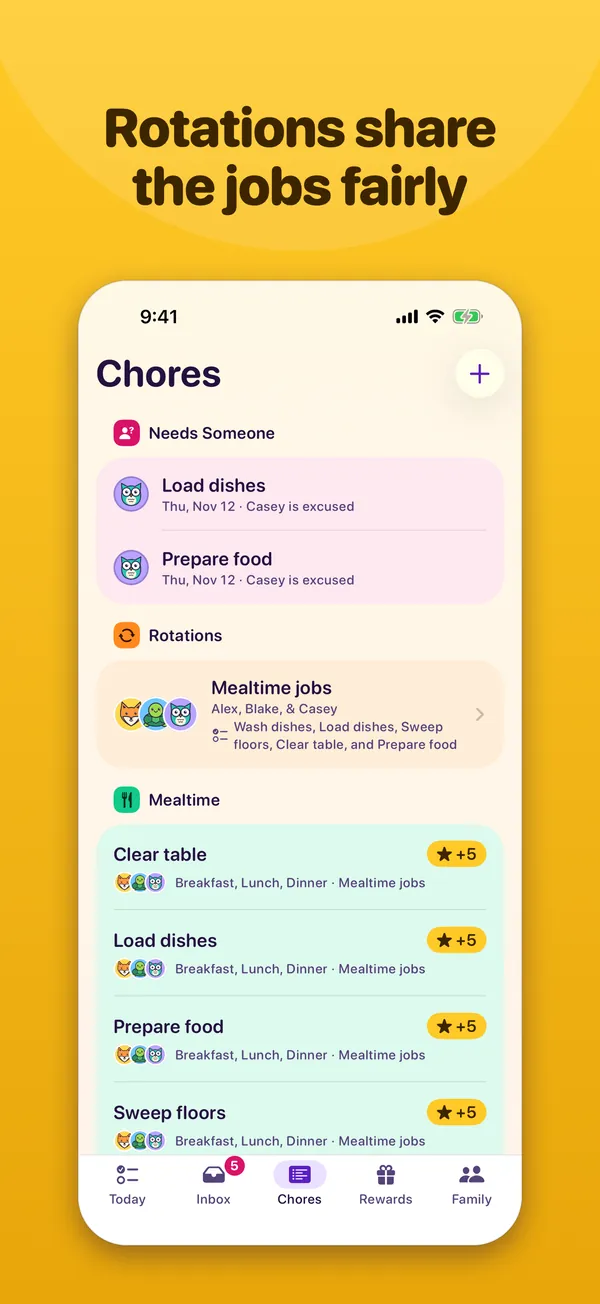
- Rotations share jobs like dishes and sweeping fairly, turn by turn, and show which jobs need someone when a kid is away.
- Turn on approval for a chore, then approve or send it back from the Inbox.
- Mark a chore done for a kid, adjust points, or excuse time off without breaking a streak.
- Set up rewards with a cost, who can get them, and how often. Approve requests and mark them given.
- Weekly and monthly awards that give themselves out: most points, most improved, longest streak, or a perfect week or month.
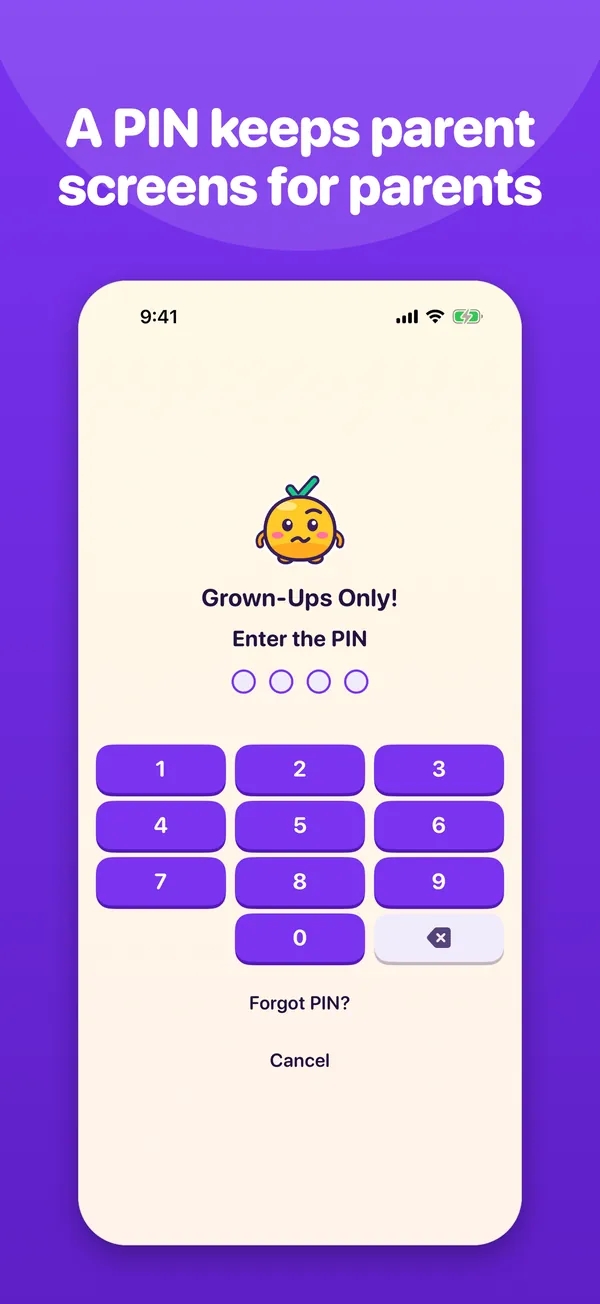
- A parent gate, with a multiplication question or a 4-digit PIN, keeps kids out of the parent screens on a shared device.
- Two parents can share the work, and a parent can do chores too.

Reminders and alerts
- Reminders on a kid’s device before a chore is due.
- Alerts for parents when a chore is waiting for approval or a reward is requested, and an evening summary of missed chores.
- Quiet hours hold everything until morning.
iPhone and iPad
Room for the whole chart
ChartMe works on iPhone and iPad. Kids check off chores on their own device, and parents manage everything from theirs.
Privacy
Your family’s data stays with your family
ChartMe has no accounts to create, no ads, and no analytics. Your household is shared with the family through an invite link, and we can’t see any of it.
No accounts
Nothing to sign up for. Everyone uses the iCloud account they already have.
No ads
No ads, no in-app purchases, and no tracking.
No analytics
No analytics, crash reporting, or third-party code of any kind.
Your iCloud
The household lives in the iCloud account of the parent who creates it. We don’t run a server and can’t see it.
Getting started
One household, one invite link
- 1One parent creates the household and adds each person.
- 2They send the invite link to the family.
- 3Everyone opens it on their own iPhone or iPad and chooses their name.
Each person needs to be signed in to iCloud. ChartMe works on iPhone and iPad.
Download on the App Store