Open Sourcing 200 Zest Icons

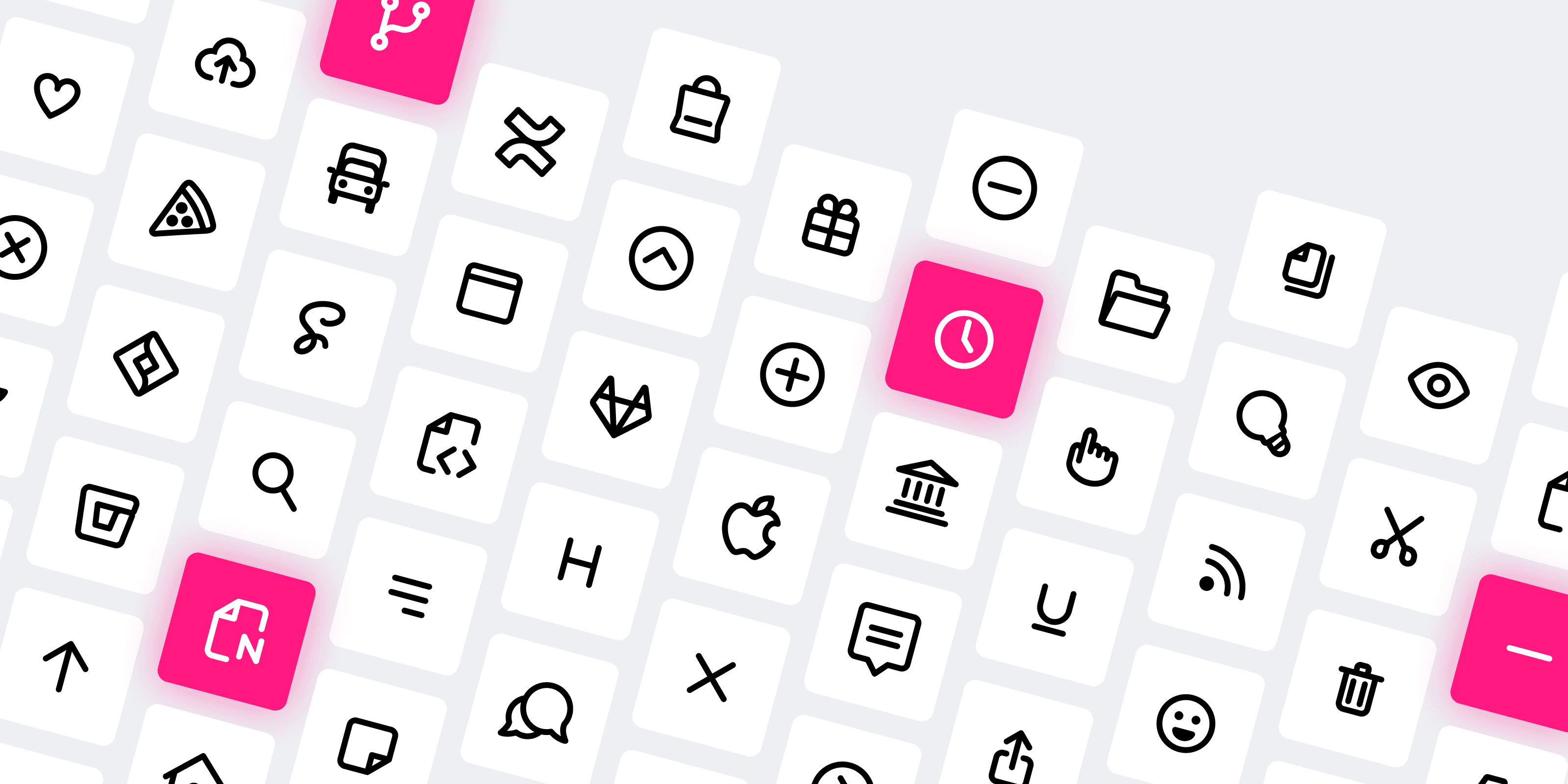
Since launching Zest Icons last year it was always my dream to have a free version of the set. I launched Zest with Zest Social, which was free and contains a handful of Social icons. But Zest Social wasn’t very comprehensive. Now that Zest Pro has over 600 icons I’m ready to launch a larger set. Today, I’m happy to announce that I’m open sourcing 200 Zest Icons in a new set called Zest Free.
If you’re not familiar with Zest, I like to describe it as a modern icon set meticulously handcrafted for web and mobile. Zest was created with bold and simple aesthetic. It emulates the friendly styles of applications like Whimsical and Jira. The lines are thick so that they stand out. The geometry is rounded and exaggerated. Lined icons instead of solid shapes give the icon set consistency.
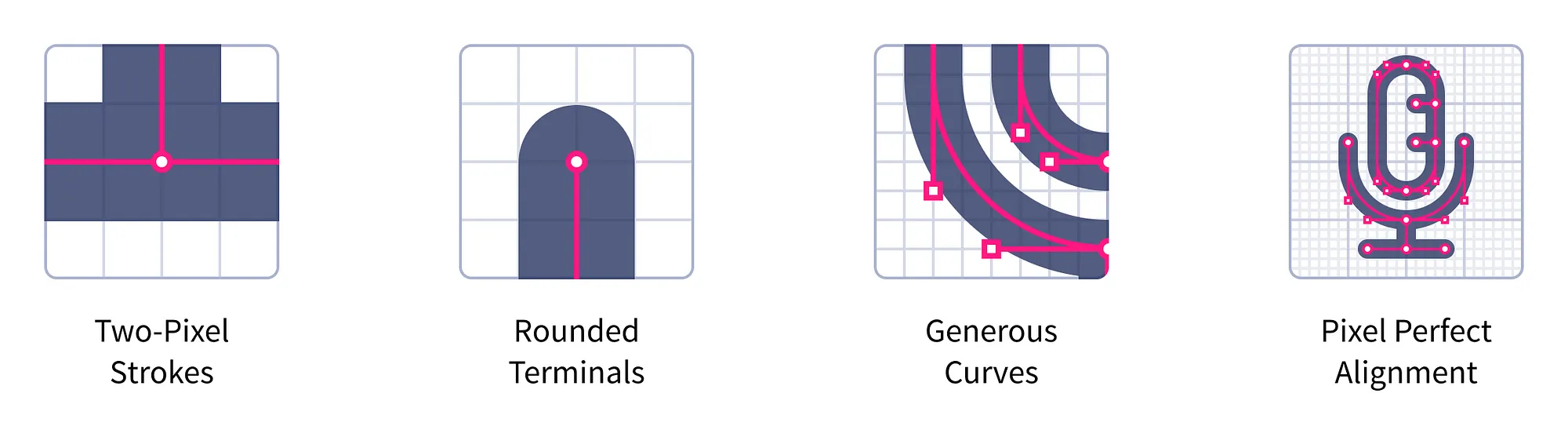
Learn more about Zest in the original launch announcement.
Zest Free actually soft-launched on Figma Community a couple of months ago, but I only now have the packages setup so that it can be downloaded from the website and used through NPM.
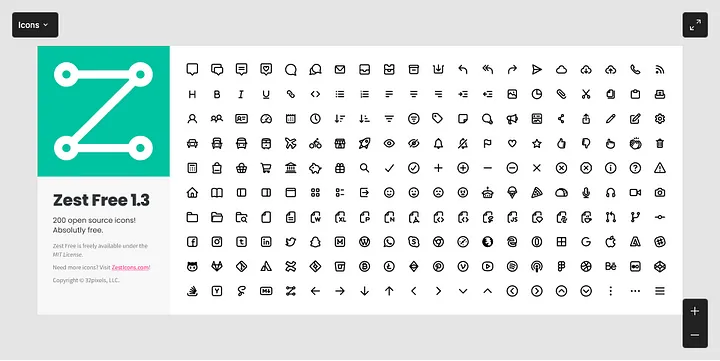
If you’re interested in learning more about Zest Free, head on over to the website, or download the set on Figma or through NPM.
Comments
You might also like…
Introducing Zest: a bold & refreshing modern icon set
John LongZest IconsI like to describe Zest as a modern icon set that has been meticulously handcrafted for web and mobile. What makes Zest exceptional is the attention to detail. Zest was created with bold and simple aesthetic. It purposefully emulates the friendly styles of applications like Whimsical and the new Jira. The lines are thick so that they stand out. The geometry is rounded and exaggerated. Lined icons instead of solid shapes give the set a remarkable consistency.
Using rotation to draw complex shapes in Figma
John LongDesignI build web applications for a living. And while I love working on software, there is something temporary about the work. Very little of what I make lasts for any length of time. The pace that software evolves is so rapid that 10 years out and what remains is either so dated that I wouldn’t put it in my portfolio or it has evolved so much that little remains from the original design.

Introducing Quiddity: generate essential skills for your dev workflow
John LongSide ProjectsQuiddity interviews you about your tools and process, then generates custom /new-issue, /next-task, and /approve skills tailored to how you actually work. One install, one setup command, and you're off.

If software becomes ephemeral
John LongAIWhen software can be conjured from a conversation, the real differentiator won't be the code — it'll be the taste, the brand, and the vision behind it.